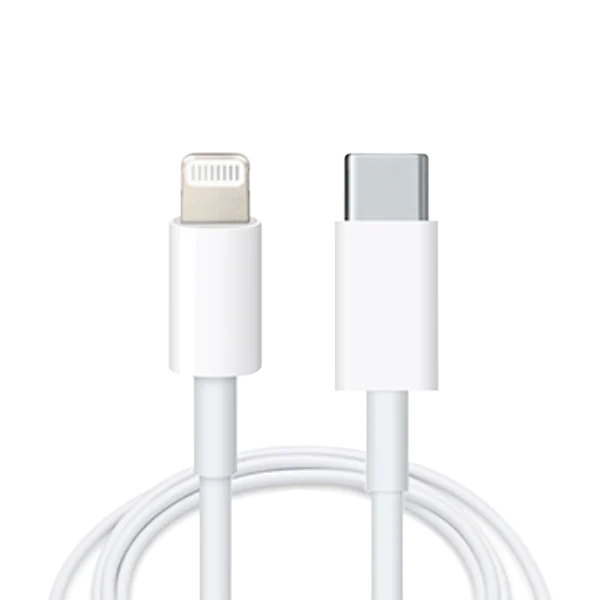
Product overview
Connect Your Lightning Device to a USB-C Charger
Plug the USB-C end into a compatible power adapter and the Lightning end into your iPhone, iPad or AirPods case. It’s a replacement for setups that already use a USB-C charger.
Fast Charging on Supported iPhones
Pair this cable with a compatible USB-C power adapter to fast-charge supported models such as the iPhone 12, 13 and 14. Apple’s 20W USB-C Power Adapter is a suitable pairing. Actual charging speed depends on the device and adapter.
Charge and Sync From Your Computer
Connect a supported Lightning iPhone or iPad to your computer’s USB-C port for charging and data syncing. The 1 m length gives you enough reach to keep the device beside your laptop.
Check Both Ports Before Ordering
You need a USB-C port on the charger side and a Lightning port on the device side. If your charger has a rectangular USB-A port, choose a USB-A to Lightning cable. If your phone has a USB-C port, choose a USB-C to USB-C cable.